
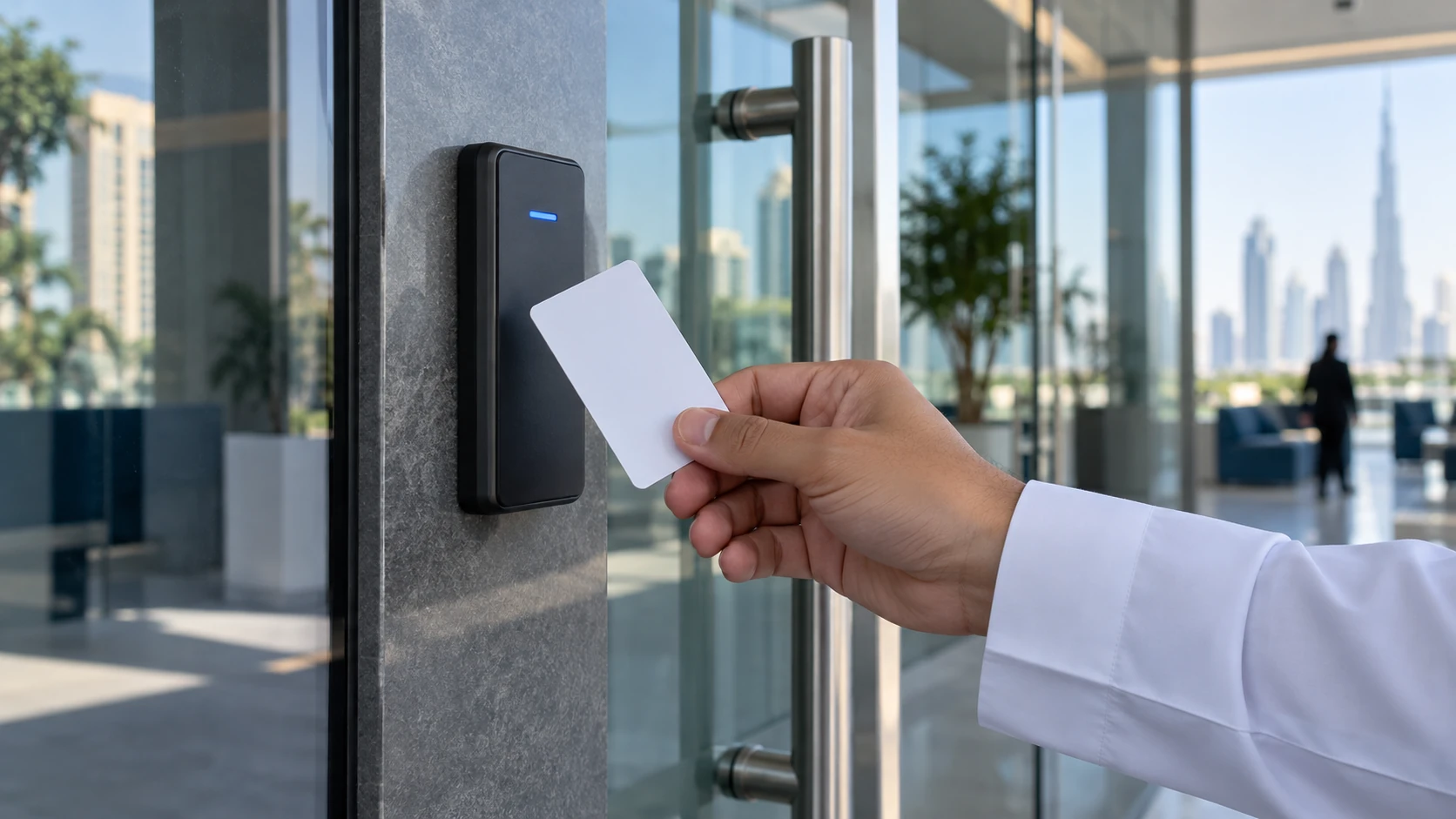
An RFID card is the most common way to open an access-controlled door in UAE offices, towers, villas and labour camps. You hold it near a reader, the reader sends the card’s data to a door controller, and the controller decides whether to release the lock. But not every RFID card is equally secure. Some cards can be copied in seconds, while others use strong encryption. This guide explains the main card types, how they differ and how to choose the right one for your building.
How an RFID card works in access control
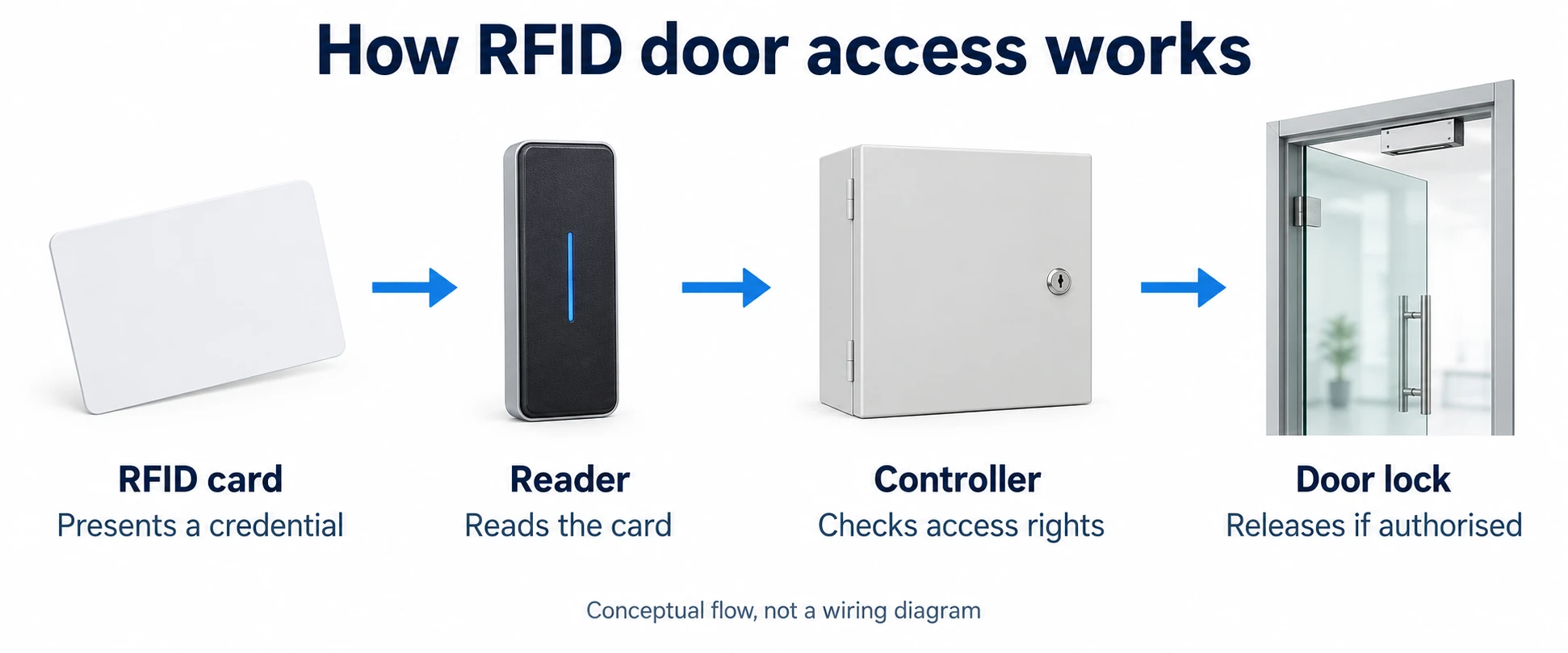
An access card contains a small chip and an antenna coil. It has no battery. When you bring it close to a reader, the reader’s radio field powers the chip, and the card replies with its data. What happens next depends on the card type:
- Basic cards simply send a fixed ID number, much like reading a barcode.
- Smart cards run a cryptographic check with the reader before they release any data, so the reader can prove the card is genuine.
The reader then passes the result to the controller, usually over Wiegand or OSDP. The controller checks the card against its access levels and time zones and either opens the door or logs a refused attempt. If you want to see how the reader, lock and controller connect, read our access control wiring diagram guide.
The main types of RFID access card
Access cards fall into three broad groups by frequency. The frequency decides which readers can read the card, how far it reads and, in practice, how secure it is.
125 kHz proximity cards (EM and HID Prox)
Low-frequency 125 kHz cards, often called prox cards, are the oldest type still in wide use. EM-family cards and HID Prox cards are common examples. They are cheap, reliable and widely supported.
Their weakness is security. A prox card transmits the same fixed number every time, with no encryption or authentication. Anyone with a low-cost cloning device can read the number from a short distance and write it onto a blank card or key fob. That may be acceptable for a store room, but rarely for a server room or main entrance.
13.56 MHz MIFARE Classic cards
High-frequency 13.56 MHz cards follow the ISO/IEC 14443 contactless card standard. MIFARE Classic, made by NXP, became the most popular of these because it added memory sectors protected by keys.
However, the proprietary Crypto-1 security used by the original MIFARE Classic was broken by researchers in 2008, and cloning tools are now easy to find. MIFARE Classic is better than a prox card, but it should not be treated as a high-security credential.
13.56 MHz MIFARE DESFire and other secure smart cards
MIFARE DESFire is NXP’s high-security card family. According to NXP, the current MIFARE DESFire EV3 supports open AES-128 and 3DES encryption, is certified to Common Criteria EAL5+ for its hardware and software, and includes protection against relay attacks. Each application on the card can have its own keys, so one card can serve access control, a canteen and a car park without sharing secrets.
MIFARE Plus is a related NXP family designed partly as an upgrade path from MIFARE Classic, and some manufacturers offer their own secure platforms, such as HID iCLASS SE and Seos. Whatever the brand, the principle is the same: the card and reader authenticate each other with keys that cannot simply be read off the card.
RFID card types compared
| Card type | Frequency | Security | Easy to clone? | Best for |
|---|---|---|---|---|
| Proximity (EM, HID Prox) | 125 kHz | Fixed ID, no encryption | Yes | Low-risk doors, existing legacy systems |
| MIFARE Classic | 13.56 MHz | Crypto-1 (broken) | Yes, with common tools | Low to medium risk, multi-use cards |
| MIFARE DESFire EV2/EV3 | 13.56 MHz | AES-128 and 3DES | No, when secure keys are used | Offices, towers, government and regulated sites |
| UHF tags | 860 to 960 MHz | Varies | Depends on tag | Vehicle access at car park barriers |
UHF tags are a separate case. They read from several metres away, which is why they are used on windscreens for vehicle entry at boom barriers and car park entrances, not for doors.
The serial number trap
A secure card only helps if the system actually uses its security. Many installations, including some with DESFire cards, are set up to read only the card’s unique serial number (UID). The UID is not protected, so a cloner can copy it and the reader will accept the copy.
When you specify a secure card, ask your installer to confirm that the readers authenticate the card with your own site keys and read a protected credential from the card, rather than just the UID. Keep the keys under your control, not stored only with a supplier.
Reader and controller security matter too
The link between the reader and the controller is the next weak point. Traditional Wiegand wiring sends the card number in one direction, unencrypted, so it can be tapped at the reader. The OSDP standard from the Security Industry Association replaces this with two-way communication, reader supervision and AES-128 Secure Channel encryption. If your controller supports OSDP, such as the ZKTeco C3 Pro Plus controller, use it for new doors.
Controller features also help stop card misuse. The ZKTeco C3 series door controllers support anti-passback and interlock rules, so the same card cannot be passed back through a door to let a second person in. Browse our door controllers for panel options.
Card plus biometrics: two-factor access
Even a perfectly secure card can be lent, lost or stolen. For sensitive doors, combine the card with something the user is, such as a fingerprint or face. Many terminals we supply accept both:
- The Suprema BioEntry W2 and Suprema BioLite N2 combine fingerprint and RF card verification for indoor and outdoor doors.
- The Suprema BioStation 3 supports face, fingerprint, card and mobile credentials at one door.
- The ZKTeco SpeedFace-V5L and ZKTeco G4 Pro offer face recognition with card and password options.
Before ordering cards, check the datasheet of the exact reader model and variant, because card support varies between versions of the same terminal. You can compare options in our fingerprint access control and face recognition terminals ranges, or see the full access control systems catalogue.
Mobile credentials: the card on your phone
Mobile credentials let staff use their phone, over Bluetooth or NFC, in place of a plastic card. They make it easy to issue or revoke access remotely. Most sites still keep cards for visitors, contractors and staff who prefer them, so plan for a reader that handles both.
How to choose an RFID card for a UAE building
- Check what you already have. Many towers and free-zone buildings already issue tenant cards. Find out the card type before buying new readers, so one card can work for the lobby and your office door.
- Match the card to the risk. Prox cards may be fine for a low-risk internal door. Use DESFire EV2 or EV3, or an equivalent secure card, for main entrances, IT rooms and regulated areas.
- Use secure keys, not the UID. Make secure authentication part of the specification and the handover.
- Plan the reader link. Choose OSDP where the controller supports it.
- Add a second factor where it counts. Pair cards with fingerprint, face or PIN at sensitive doors.
- Manage the card life cycle. Revoke lost cards immediately, remove leavers on their last day and audit access reports regularly.
- Think about turnstiles and car parks. If staff also pass turnstile gates or a barrier, choose a card that every reader on site can read.
RFID card FAQs
Is an RFID card the same as an NFC card?
NFC is a form of high-frequency RFID that works at 13.56 MHz. Many 13.56 MHz access cards, including MIFARE DESFire, can be read by NFC-enabled phones, but 125 kHz proximity cards cannot. For door access, what matters is whether your reader supports the card’s chip and security keys.
Can RFID access cards be copied?
Some can. 125 kHz proximity cards send a fixed number with no encryption, and MIFARE Classic’s original Crypto-1 security has been broken, so both can be cloned with inexpensive tools. A system that reads only a card’s serial number can also be fooled, whatever chip the card uses. Cards such as MIFARE DESFire EV3, read with secure AES keys, are far harder to copy.
How do I know which type of RFID card I have?
Check the card or the original order paperwork for the frequency and chip name, such as 125 kHz, EM, HID Prox, MIFARE Classic 1K or DESFire EV3. If there is no marking, an installer can test the card with a multi-technology reader or an NFC phone app to identify the chip family.
Can one reader read both 125 kHz and 13.56 MHz cards?
Yes, multi-technology readers that read both frequencies exist, and they are useful when a building is moving from proximity cards to smart cards. Check the reader’s datasheet for the exact card types it supports.
Should I combine an RFID card with a fingerprint or face check?
For sensitive doors, yes. A card can be lent or lost, so pairing it with a fingerprint, face or PIN gives two-factor verification and confirms that the card holder is the person entering.
Get help choosing access cards and readers
We supply and install access control systems across Dubai, Abu Dhabi and the rest of the UAE. Tell us what cards your building uses today and which doors you need to secure, and we will recommend a card, reader and controller combination that fits. Contact our team for a site survey and quotation.