
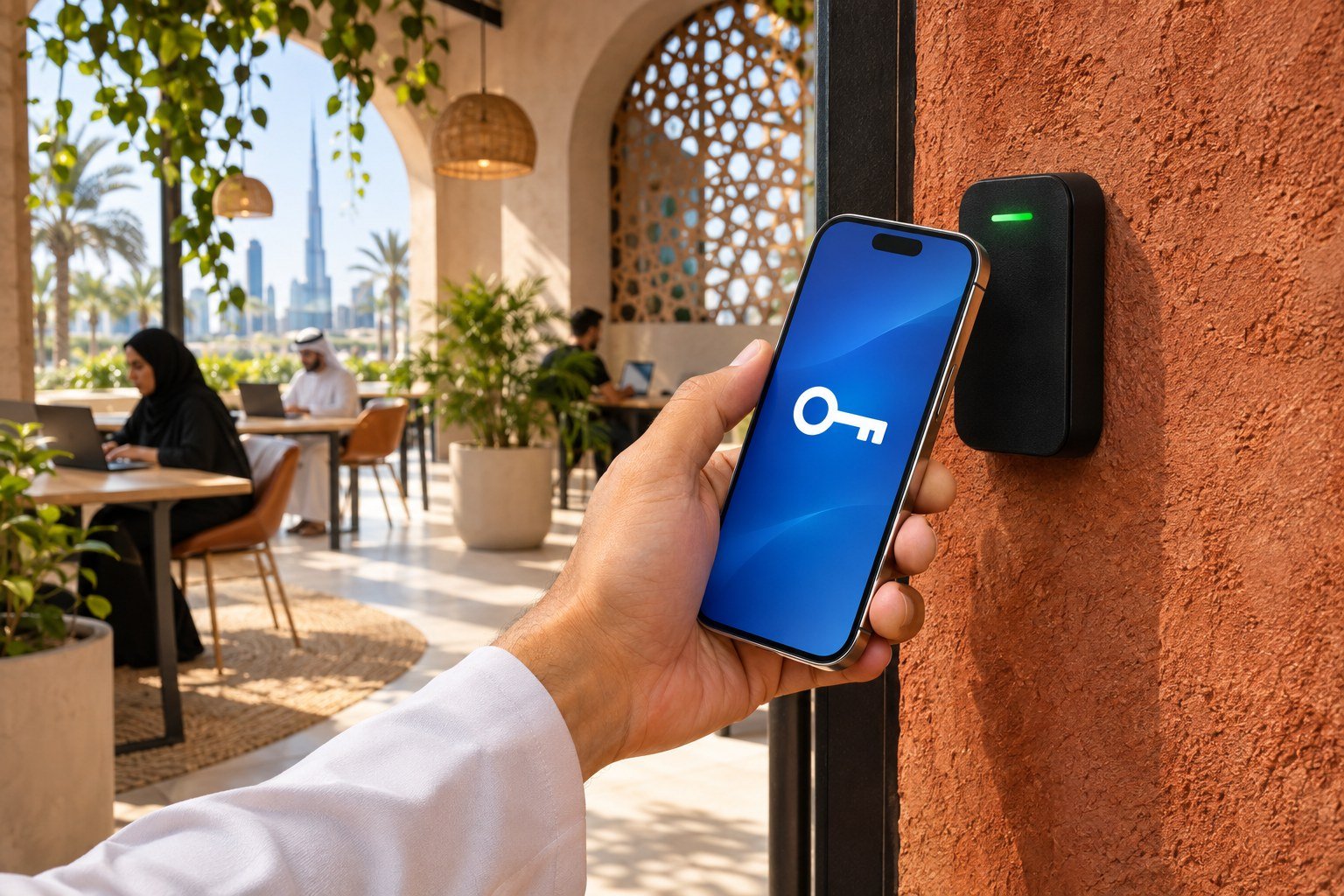
Mobile access control lets people open doors, turnstiles and gates with their smartphone instead of a plastic card. The phone carries a digital credential and the reader recognises it by Bluetooth, NFC or a QR code. For UAE offices, residential towers, co-working spaces and gyms, it removes card printing, makes access easy to change and fits the way people already carry their phones. This guide explains how mobile access control works, the technologies behind it, its limits and how to roll it out.
What is mobile access control?
In a mobile access control system, a smartphone acts as the access credential. The administrator issues a mobile credential from the access control software, the user receives it on their phone, and the phone is presented at the reader like a card. The controller then checks the user’s access level and schedule exactly as it would for a card or fingerprint.
The term is also used for two related features:
- Remote unlock: an administrator or user opens a door from an app over the internet.
- Mobile management: security staff manage users and doors from a phone app.
These are useful, but the core of mobile access control is the phone as a credential at the door.
How smartphones open doors: BLE, NFC and QR
| Technology | How the user opens the door | Strengths | Limits |
|---|---|---|---|
| Bluetooth Low Energy (BLE) | Taps or holds the phone near the reader, or uses hands-free mode where supported | Works on most smartphones and allows a longer, adjustable read range | Needs a BLE-capable reader and the app or credential set up correctly |
| NFC | Taps the phone on the reader, like a contactless card | Familiar, fast and short range | Phone and reader support varies by platform |
| QR code | Shows a code on the screen to a QR reader | Easy for visitors and events, no app needed in some systems | Static codes can be shared or photographed; use dynamic or time-limited codes |
| Remote unlock | Presses a button in an app | Convenient for deliveries and remote staff | Needs internet and careful permissions |
Bluetooth Low Energy is the most common choice for staff credentials because nearly all modern phones support it. Support for third-party NFC credentials differs between phone platforms, so many systems use BLE on iPhone and offer BLE or NFC on Android. QR codes are widely used for visitors and at turnstile gates.
How mobile credentials are issued
A typical issuing process looks like this:
- The administrator adds the user in the access control software and assigns a mobile credential.
- The user receives an invitation by email or SMS with a link to the app or credential.
- The user installs the app, activates the credential and turns on Bluetooth or NFC.
- The user presents the phone at a supported reader.
As an example, Suprema Mobile Access works with the BioStar 2 platform: the administrator connects BioStar 2 to Suprema’s mobile access portal, registers the supported devices and issues a mobile card that the user activates from an email link. Suprema lists supported models with minimum firmware versions, including the BioStation 3, BioLite N2, FaceStation F2 and BioEntry W2 (Rev 2 hardware). Suprema’s mobile access also uses a credit-based licensing model, so include it in your budget. Other manufacturers offer their own mobile credential apps, each with its own reader and licensing requirements.
Benefits for UAE sites
- No card printing or reissuing. New staff can get access before their first day, and replacements do not need a visit to the security office.
- Instant changes. Revoke a credential the moment someone leaves or a contractor finishes.
- Visitor passes. Send time-limited mobile passes or QR codes for meetings, deliveries and events.
- Multi-site access. Staff who move between offices or buildings carry one credential on one device.
- Fewer shared credentials. People are less likely to lend their phone than a plastic card.
Mobile credentials also work at entrance lanes. For example, our speed gates and flap barriers and swing barrier turnstiles can be paired with readers that accept mobile or QR credentials.
Limits and how to plan around them
- Reader compatibility. Existing card readers often cannot read phones. You may need new readers, a hardware revision or a firmware update.
- Phone battery and settings. A flat battery or Bluetooth turned off means no entry. Keep cards or biometrics as a backup method.
- Staff without suitable phones. Some staff, contractors or labour accommodation residents may not have a compatible smartphone or may prefer not to install an app on a personal phone.
- Licensing. Mobile credentials are often licensed per user, per credential or on credits, unlike a one-off card cost.
- Policy. Decide whether staff use personal or company phones, and explain what data the app collects.
Security of mobile credentials
A well-designed mobile credential is encrypted, tied to one device and can be revoked remotely. To get the most from it:
- Use encrypted mobile credentials for staff rather than static QR codes.
- Ask users to keep a screen lock on their phone; some systems can require the phone to be unlocked before it is accepted.
- Pair the phone with a fingerprint or face check at sensitive doors. Our face recognition terminals and fingerprint access control devices can add that second factor.
- Revoke credentials as part of every leaver and contractor process.
- Treat the app and portal as personal data systems under UAE data protection laws.
Mobile, card or biometric?
Most sites end up with a mix. Cards are cheap and universal; read our RFID card guide for the options. Biometrics prove that the right person is at the door. Mobile credentials are the easiest to issue, change and revoke. A reader that accepts more than one method lets each user group use what suits them.
How to roll out mobile access control
- Audit your readers and controllers. Note models and firmware, and check which support mobile credentials.
- Choose the technology. BLE for staff, QR for visitors, and NFC where your phones and readers support it.
- Run a pilot. Start with one floor or team, collect feedback and fix issues before a full launch.
- Keep a fallback. Leave cards or biometrics active during and after the change.
- Write simple user instructions. A one-page guide for installing, activating and using the credential prevents most support calls.
Mobile access control FAQs
Does mobile access control work without internet?
In most systems, Bluetooth and NFC credentials are read directly by the reader, so the phone does not need an internet connection at the door once the credential is issued. Remote unlocking from an app and issuing or revoking credentials do need a connection. Confirm how your chosen system behaves offline.
Can visitors use mobile access?
Yes. Many sites send visitors a time-limited QR code or mobile pass before they arrive. The pass works only for the doors, turnstiles and times you allow, and expires automatically.
Is a phone more secure than an access card?
It can be. A mobile credential can be encrypted, revoked instantly and protected by the phone’s own screen lock or biometrics. Security still depends on the system design, so avoid static QR codes for staff and use encrypted mobile credentials.
Can I keep using cards alongside phones?
Yes, and most sites do. Many readers accept cards and mobile credentials at the same time, so you can move users to mobile gradually and keep cards for staff who prefer them or do not have a suitable phone.
What happens if an employee loses their phone?
The administrator revokes the mobile credential in the software, and it stops working. A new credential can then be issued to the replacement phone, usually without anyone visiting the security office.
Plan your move to mobile access
We supply and install access control systems across Dubai, Abu Dhabi and the rest of the UAE, including readers, door controllers and turnstiles that work with mobile credentials. Tell us what readers you have today, how many users and sites you manage and whether you need visitor passes, and we will recommend the right mobile access setup. Contact our team for a consultation and quotation, or browse our access control systems.