
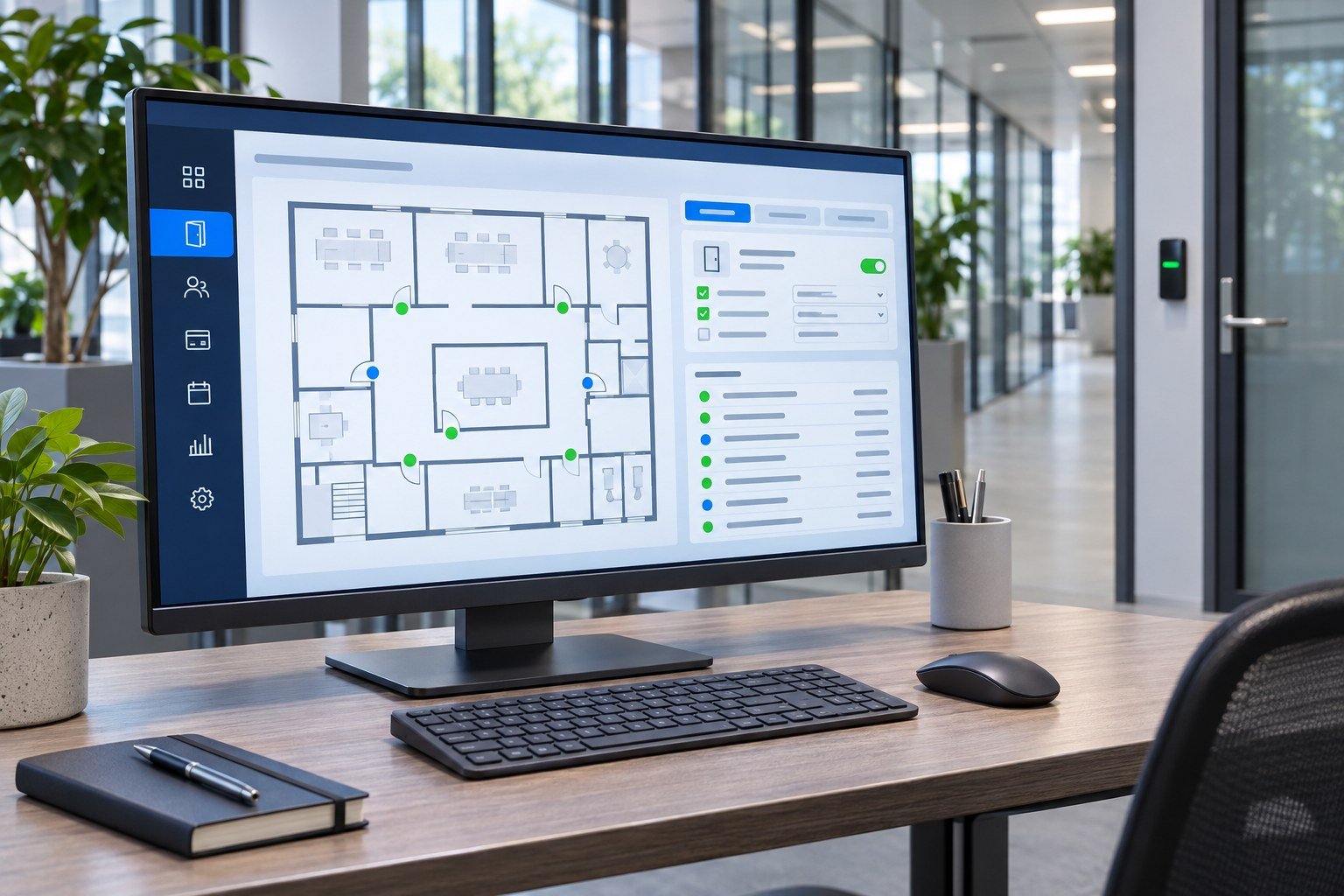
Access control software is where you decide who can open which door, and when. Readers and locks do the physical work, but the software holds your users, credentials, access levels, schedules and event history. Choosing the right platform affects how easy your system is to run, how well it grows and how secure it is. This guide explains what access control software does, the difference between on-premise and cloud systems, the features to look for and the questions to ask before you buy.
What access control software does
Whatever the brand, access control software usually covers the same core jobs:
- Users and credentials: enrol people and assign cards, PINs, fingerprints, faces or mobile credentials.
- Access levels: group doors and people so that, for example, IT staff can enter the server room but visitors cannot.
- Schedules: set time zones and holidays so doors lock and unlock automatically and access is limited to working hours.
- Door rules: anti-passback, interlocks for mantrap doors and multi-person rules for sensitive rooms.
- Monitoring and alarms: live events, door forced and door held-open alarms, and remote door control.
- Reports and audit trail: who went where and when, for security reviews and investigations.
How software, controllers and readers work together
An access control system has three layers:
- Readers and terminals at the door read the credential. These range from card readers to fingerprint access control devices and face recognition terminals.
- Controllers decide whether to open the door and switch the lock. Our door controllers store users and rules locally.
- Software programs the controllers, collects events and gives operators a central view.
Because the controller holds the rules, doors normally keep working even if the software is closed or the server is restarted. The software is the management layer, not a single point of failure for every door. To see how the hardware is connected, read our access control wiring diagram guide.
On-premise, web-based or cloud?
There are three common ways to run access control software:
| Model | Where it runs | Good for | Watch out for |
|---|---|---|---|
| On-premise desktop | A Windows PC or server on your site | Single sites with a small team and no need for remote access | Backups, PC updates and access only from that machine |
| On-premise web-based | Your own server, used through a browser | Larger sites that want browser access but keep data in-house | Server maintenance, security patches and remote access setup |
| Cloud (hosted) | The provider’s servers, used through a browser or app | Multi-site businesses and teams that manage access remotely | Subscription costs, internet dependency for changes, data hosting location |
As examples from the brands we supply, ZKAccess 3.5 is Windows-based software for ZKTeco access control panels, while Suprema’s BioStar 2 platform manages Suprema terminals and controllers through a web interface. The right model depends on the number of sites, who needs to manage access and your IT policy, not on which one sounds newest.
Features to check before you choose
Credential support
Make sure the software supports every credential you use now and may use later: proximity and smart cards, PINs, fingerprint, face and mobile credentials. Moving from 125 kHz proximity cards to encrypted smart cards is common, so check how the software handles mixed card types. Our RFID card guide explains the card options.
Scale and licensing
Check the limits on doors, users, controllers, sites and operator accounts, and how licences are counted. Some systems license per door or reader, some per user, and cloud systems usually charge a subscription. Ask what is included and what costs extra, such as modules for visitors, elevators or integrations.
Operator roles
Reception, security and IT teams should not all have the same rights. Look for operator roles that limit who can add users, change access levels or open doors remotely, and an audit log of operator actions.
Reports and alarms
Good reporting saves time in an incident. Check that you can filter events by person, door, date and event type, export them and set up alarms for forced or held-open doors.
Integrations
Common integrations include CCTV and video management, fire alarm release, visitor management, lift control, turnstile gates and boom barriers. Ask whether an integration is built in, needs an extra licence or depends on a third-party driver.
Hardware compatibility, Wiegand and OSDP
Most access control software is built for the same manufacturer’s controllers and terminals. Before you choose software, list the hardware you already have and check that it is supported.
The link between readers and controllers matters too:
- Wiegand is the long-standing interface. It is widely supported but sends data one way with no built-in encryption.
- OSDP (Open Supervised Device Protocol) was developed by the Security Industry Association and is published as international standard IEC 60839-11-5. It runs over RS-485, supports two-way communication so the controller can supervise the reader, and includes an encrypted secure channel.
Controllers such as the ZKTeco C3 Pro Plus series support both OSDP and Wiegand readers, which gives you a path to more secure reader connections without replacing every reader at once.
Security and data protection
Access control software stores personal data, and often biometric data, so treat it like any other business system:
- Use individual operator accounts with strong passwords, and remove accounts when staff leave.
- Keep the software, server and controller firmware updated.
- Put controllers and servers on a protected network, not on guest Wi-Fi.
- Back up the database and test restoring it.
- Decide how long you keep event logs and who can view them.
The UAE has a federal personal data protection law, and some free zones have their own data protection rules. The UAE government portal summarises which laws apply. In Dubai, security systems and the companies that install them are regulated by the Security Industry Regulatory Agency (SIRA).
Questions to ask before you buy
- Which of our existing readers, controllers and terminals does the software support?
- How many doors, users, sites and operators does the licence cover, and what does growth cost?
- Is it on-premise, web-based or cloud, and where is the data stored?
- Do doors keep working if the server or internet connection is down?
- Which integrations are included, and which need extra licences?
- Does it support encrypted smart cards, OSDP and mobile credentials?
- Who provides local support, training and software updates?
Access control software FAQs
Can one access control software manage different hardware brands?
Sometimes. Most manufacturers’ software is designed for their own controllers and terminals. Some platforms support third-party readers through Wiegand or OSDP, and enterprise platforms may integrate other brands through drivers. Check the compatibility list before you mix brands.
Do doors still work if the software or server is offline?
In a typical networked system, yes. The controller stores users and access rules, so doors keep working when the server or internet is down. Changes you make in the software, and the event log upload, wait until the connection returns. Confirm this behaviour for the specific system you choose.
Is cloud access control safe?
It can be, if the provider encrypts data in transit and at rest, protects operator accounts and keeps the platform updated. Ask where the data is hosted, how backups work and how the provider meets UAE data protection requirements, especially if you store biometric data.
Is free access control software good enough?
For a small site with a few doors, the software supplied with the hardware is often enough. As the number of doors, sites, operators and integrations grows, look closely at user limits, reporting, operator permissions and support before you commit.
What is the difference between Wiegand and OSDP?
Wiegand is an older one-way interface from reader to controller and has no built-in encryption. OSDP is a two-way protocol over RS-485 that supervises the reader and supports an encrypted secure channel. For new installations, OSDP is generally the stronger choice where the hardware supports it.
Get help choosing your access control platform
We supply, install and configure access control software with matching controllers, readers and access control systems across Dubai, Abu Dhabi and the rest of the UAE. Tell us how many doors and sites you have, what hardware is already installed and who will manage the system, and we will recommend a platform that fits. Contact our team for a consultation and quotation.